Book a CogMAP Assessment
This feature is for SA, ML, MA, CA, Front Desk
Watch (about 1 min):
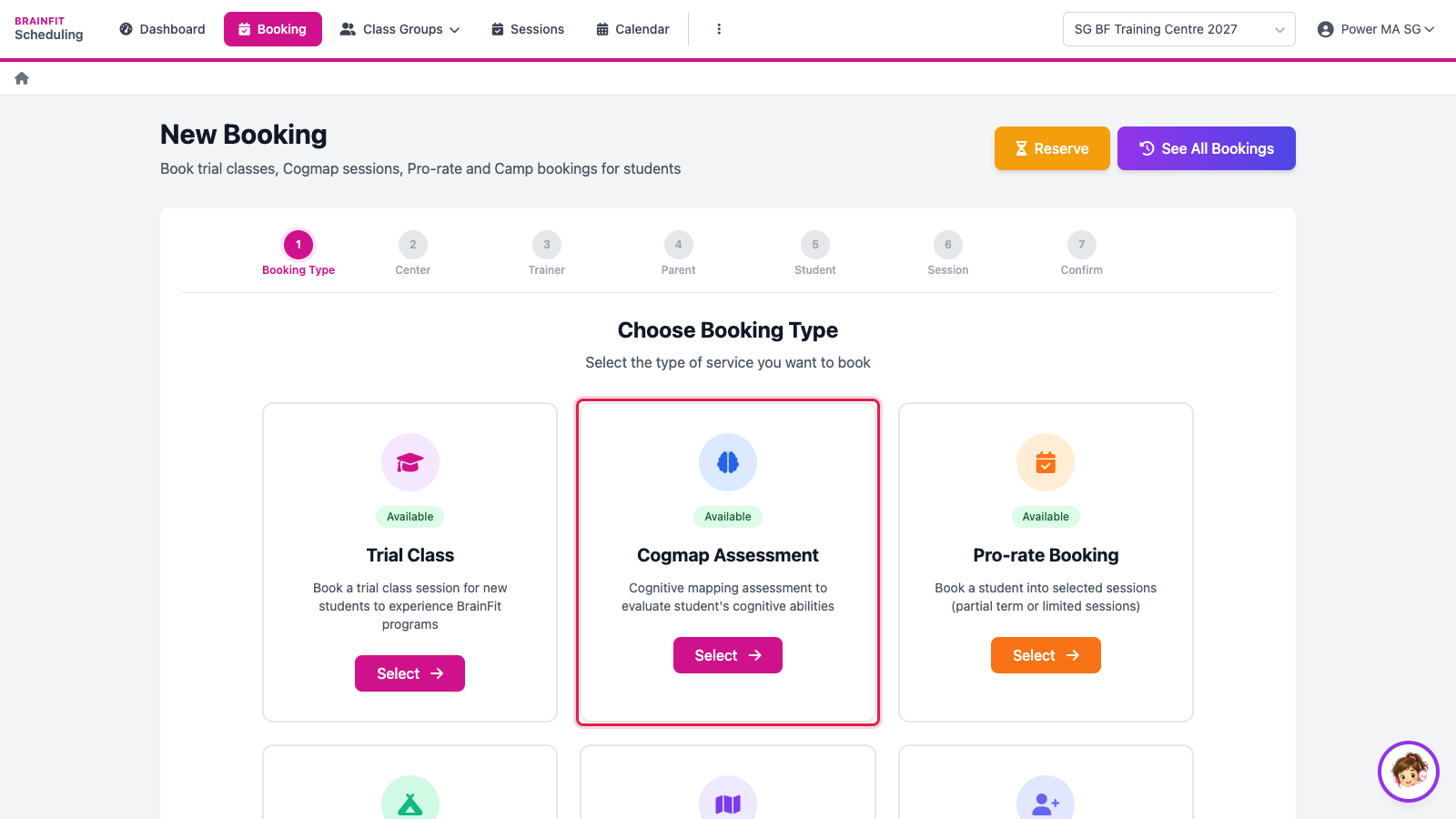
- Open Booking and click Select on Cogmap Assessment.
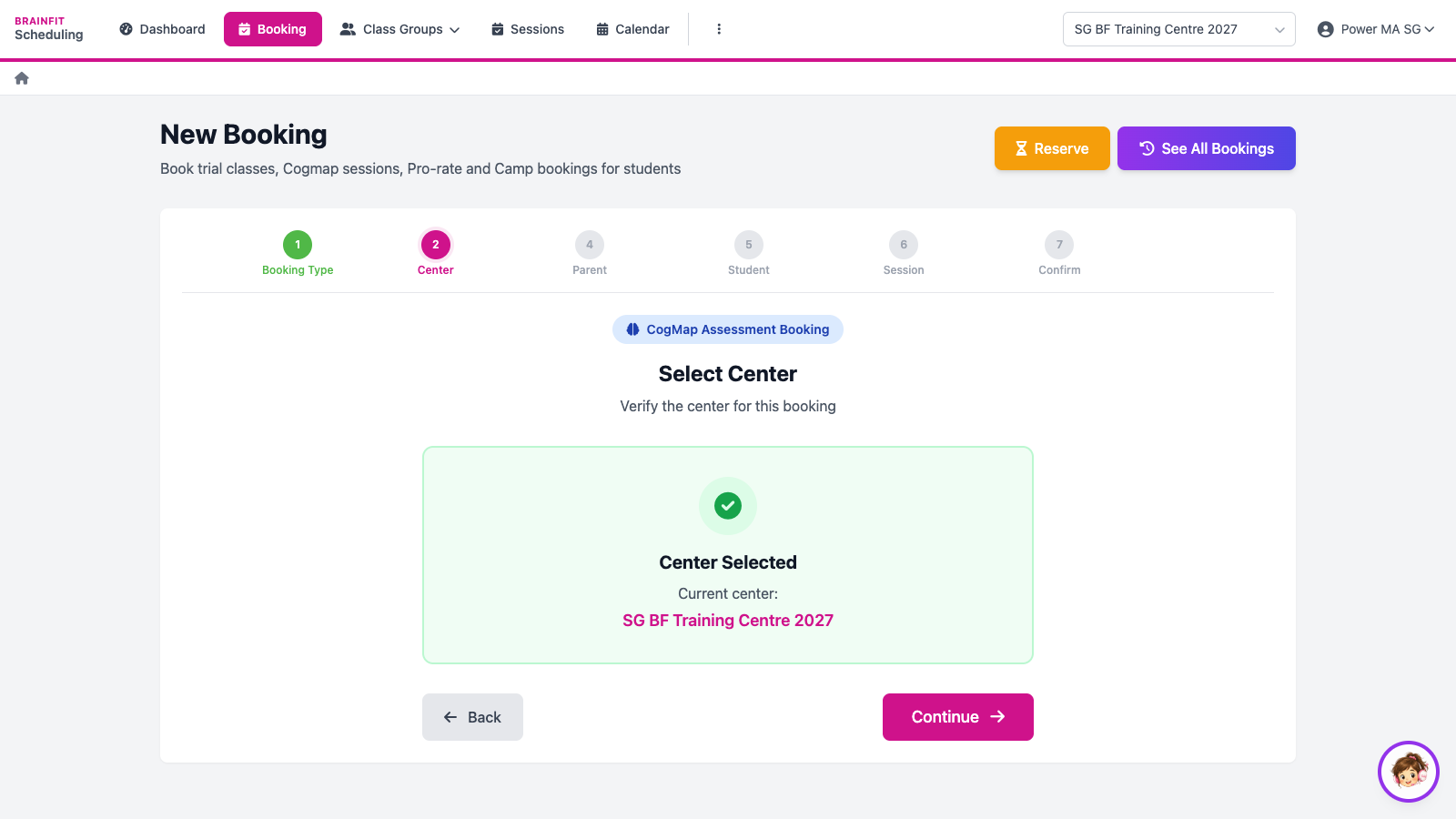
- Check the centre (the one selected at the top right) and click Continue.
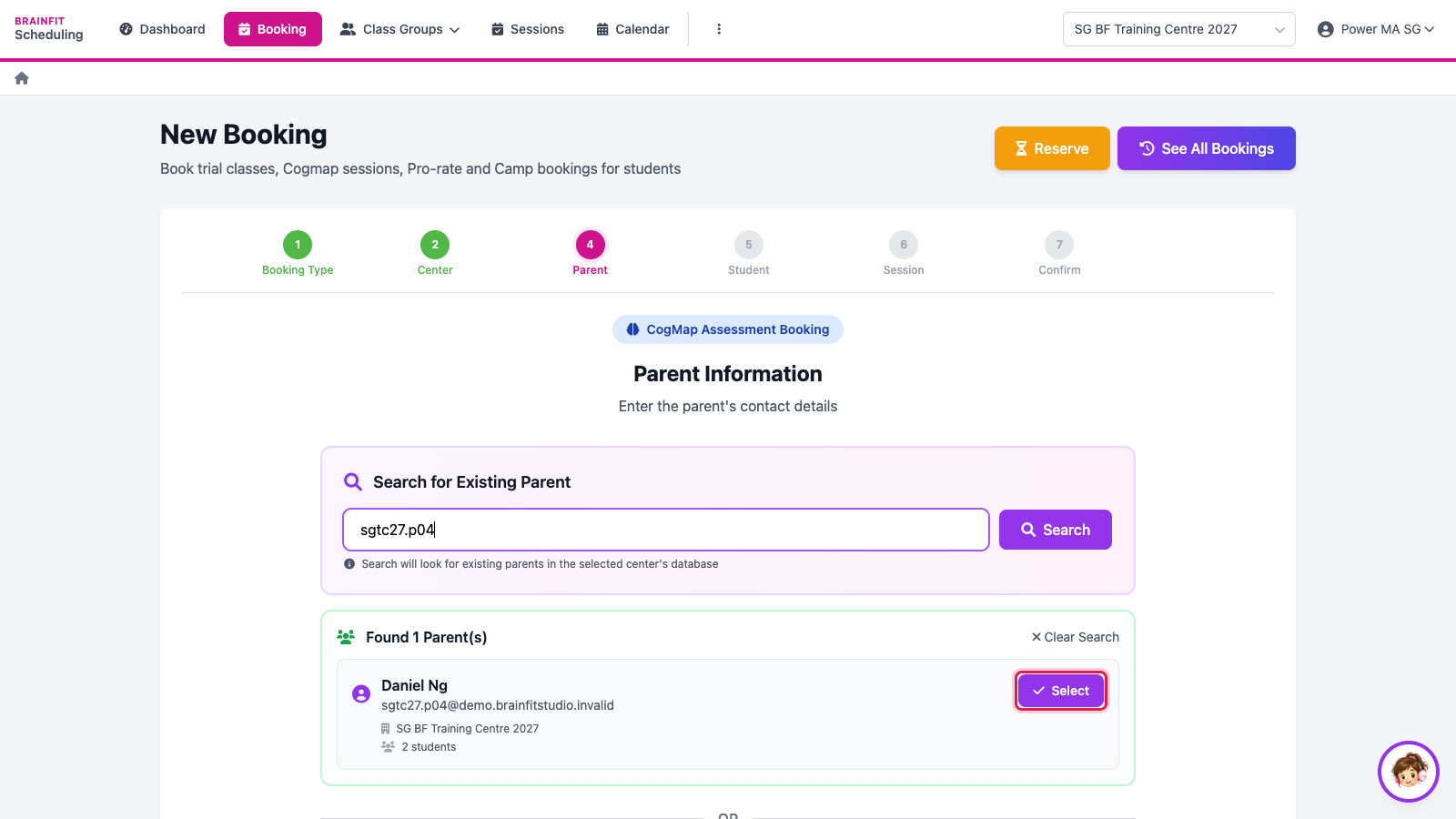
- Search for the parent by name or email and click Select (or fill in the form below to create a new parent).
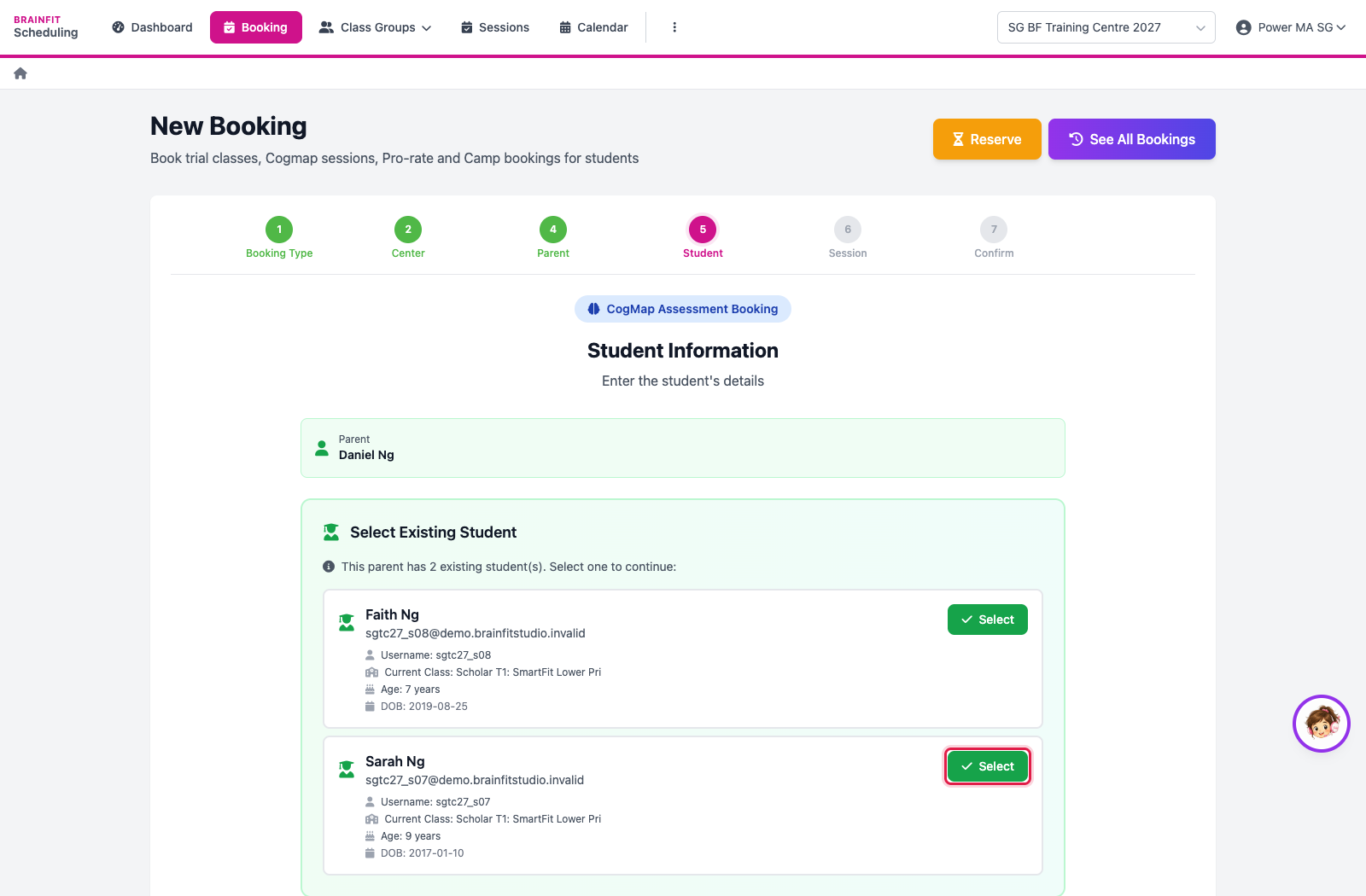
- Pick the student (or add a new one), then continue.
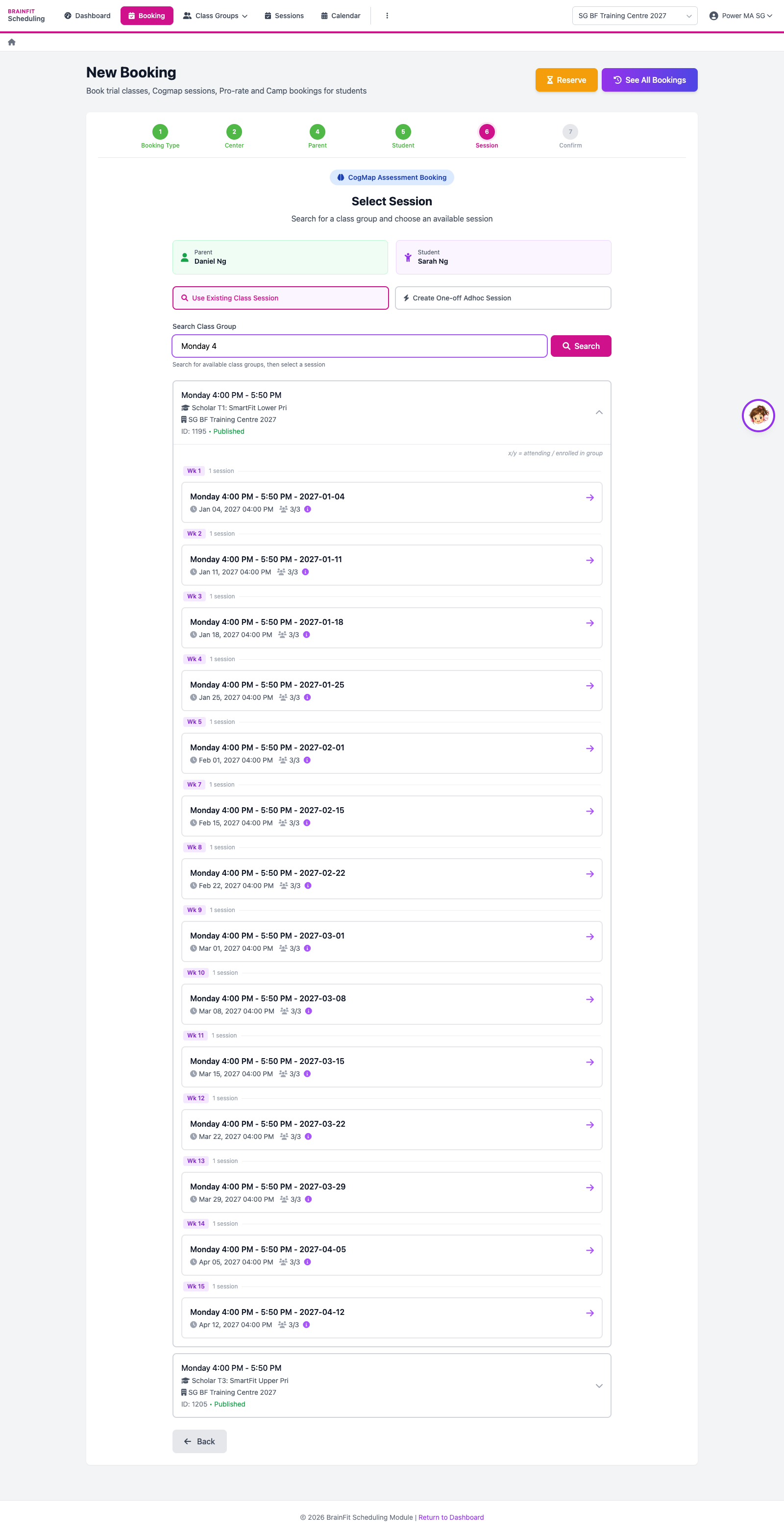
- Choose the session: search a class group and pick one of its sessions…
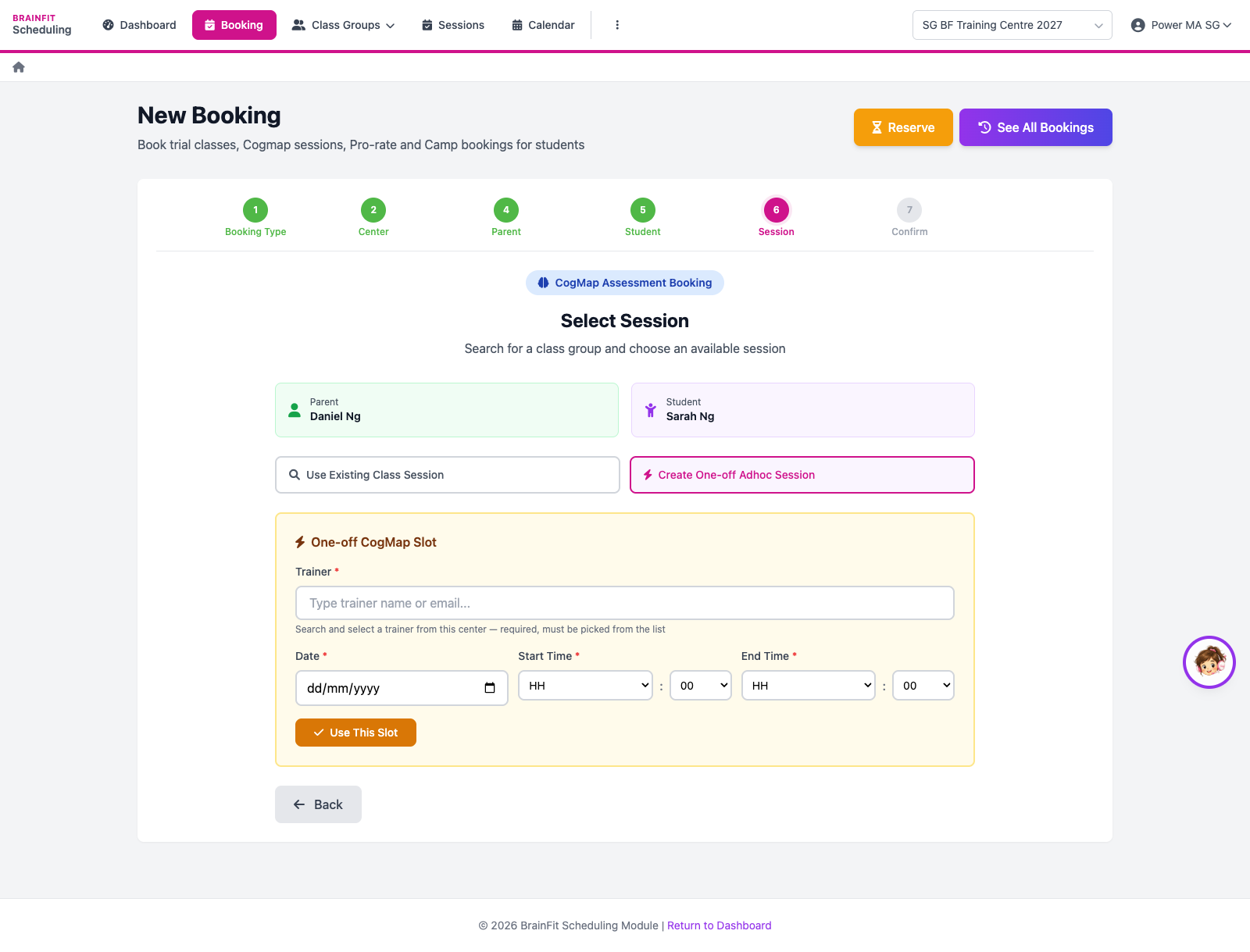
- …or click Create One-off Adhoc Session to book a slot outside the class timetable: pick the trainer, the date and the time, then Use This Slot.
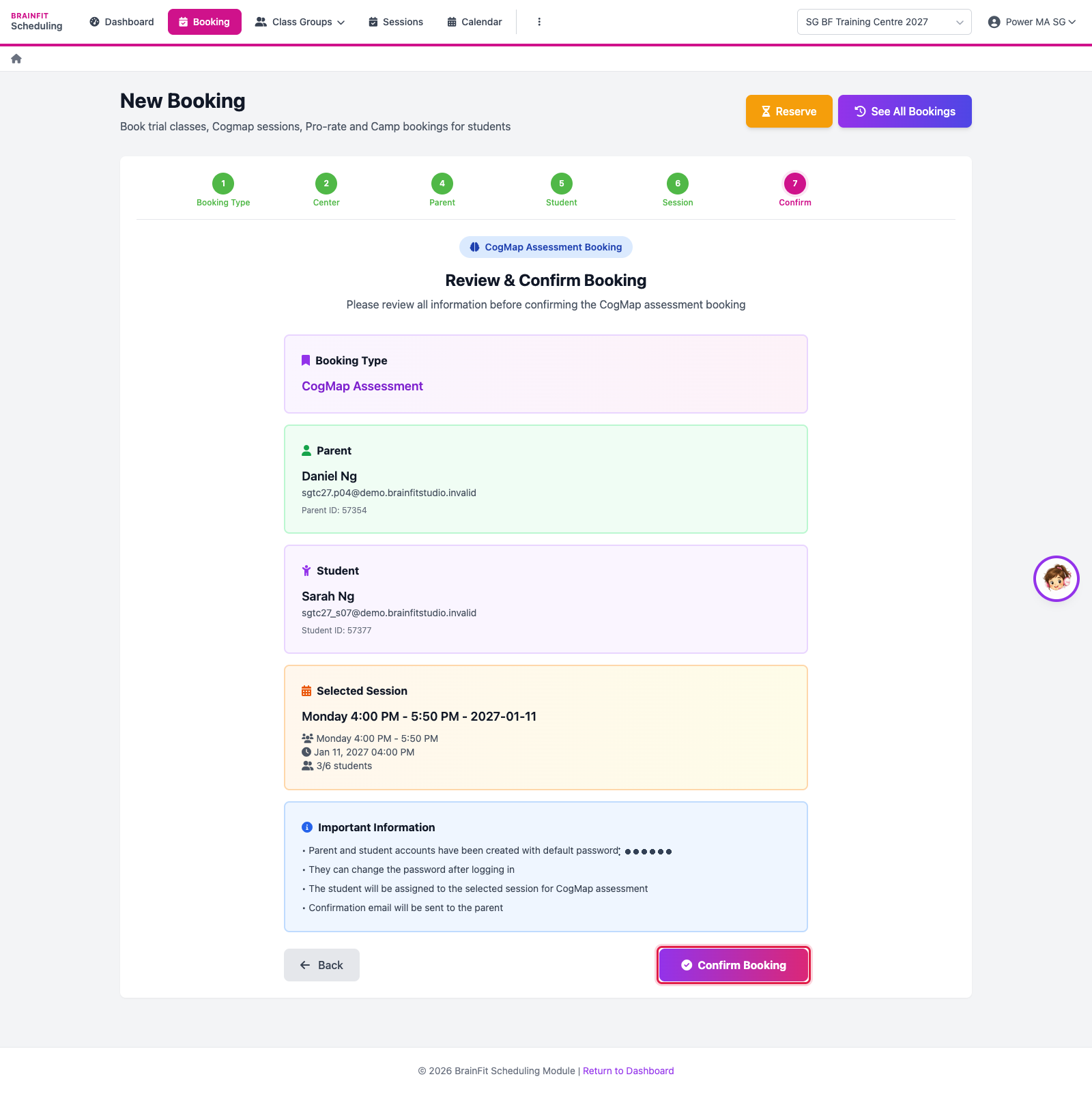
- Check the summary and click Confirm Booking. The booking shows in See All Bookings and on the calendar.